
Muốn đánh giá một người phụ nữ chỉ cần biết người đàn ông mà cô ta yêu.
Ngạn ngữ Pháp
1. In go project
- Export port 41000 for debugging.
- Install dlv: `go install github.com/go-delve/delve/cmd/dlv@latest`
- Restart service if it is running
- Run dlv command:
dlv test --listen :41000 --api-version 2 --headless=true {path/to/test/file} -- -test.v -test.parallel=1 -test.count=1 -test.run={test name pattern}The part after -- is what you want to pass into go test command.
- Set breakpoint in vscode
2. In Vscode
-
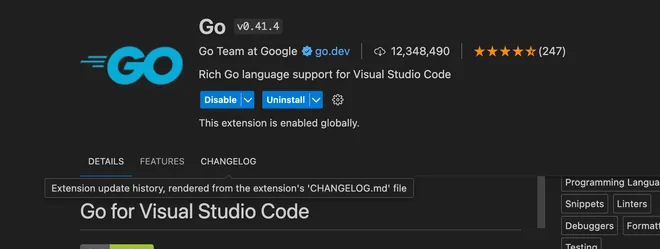
Install Go extension for vscode
-
Install dlv for vscode: Press Cmd + Shift + P → Choose Go: Install/Update Tools → Choose dlv@latest

-
Set .vscode/launch.json file:
// .vscode/launch.json
{
	"version": "0.2.0",
	"configurations": [
		{
			"name": "Debug unit test",
			"type": "go",
			"request": "attach",
			"mode": "remote",
			"remotePath": "",
			"port":41000,
			"host":"localhost",
			"showLog": true,
			"trace": "log",
			"logOutput": "rpc"
		}
	]
}-
Set breakpoint within vscode
-
Run debug within vscode
Note: After the test is finished, the dlv test process will be stopped immediately, so you need to start again for another debug
Comments